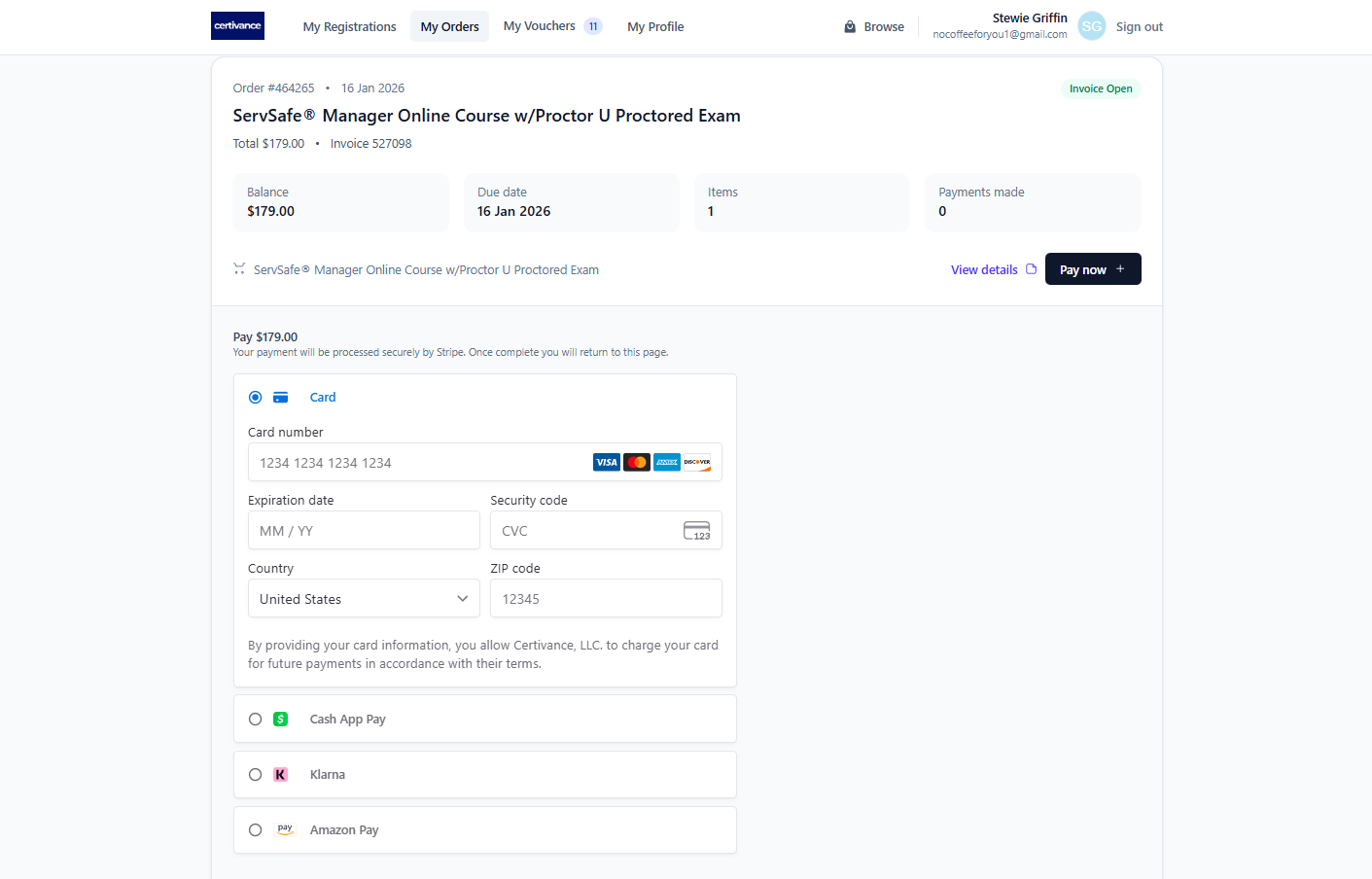
The My Orders tab shows all orders placed through Certivance and provides access to your invoices and payment options.
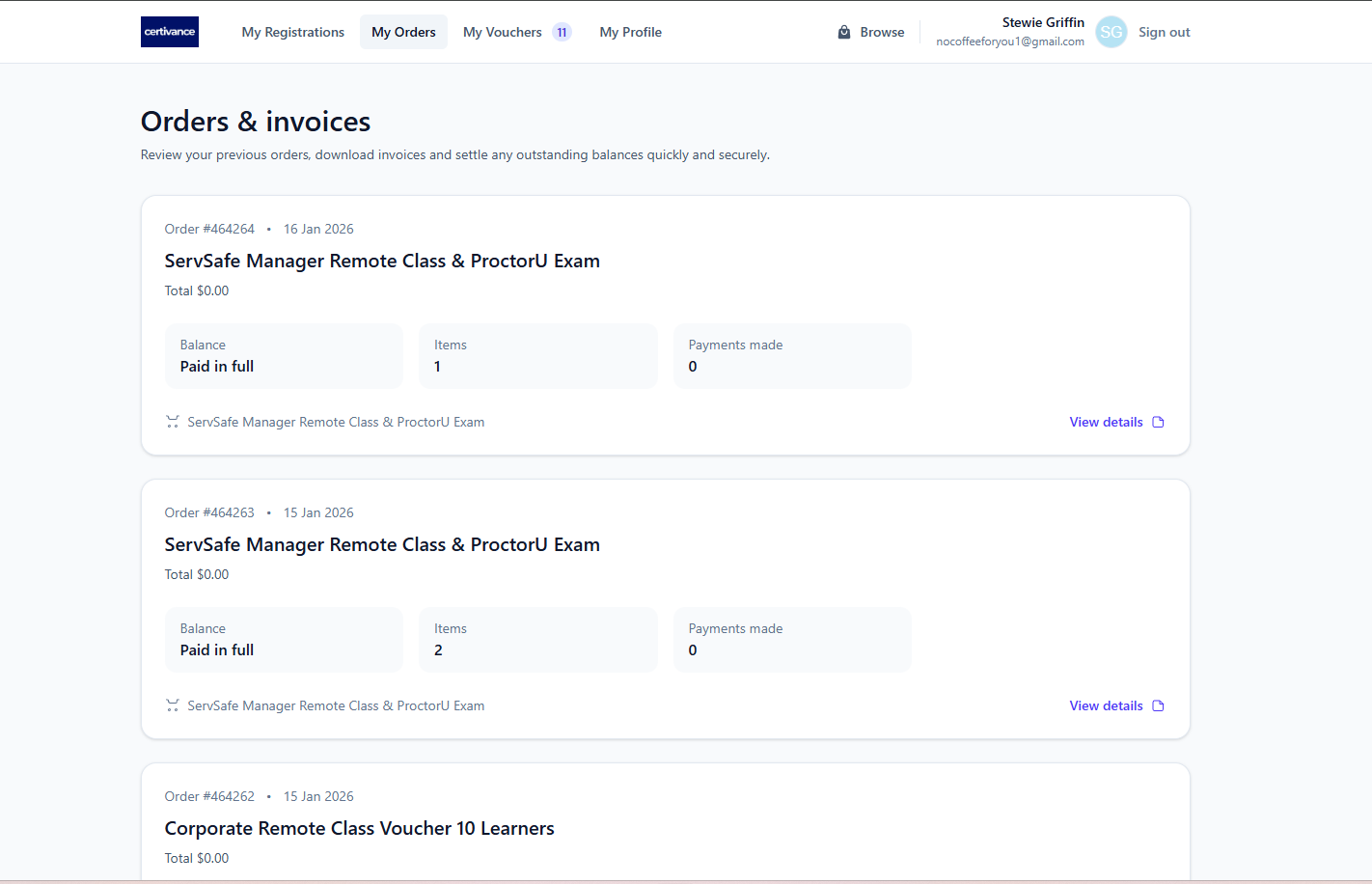
Select My Orders to view a list of your purchases.
From this page, you can:
See all completed and pending orders
Open invoices for individual purchases
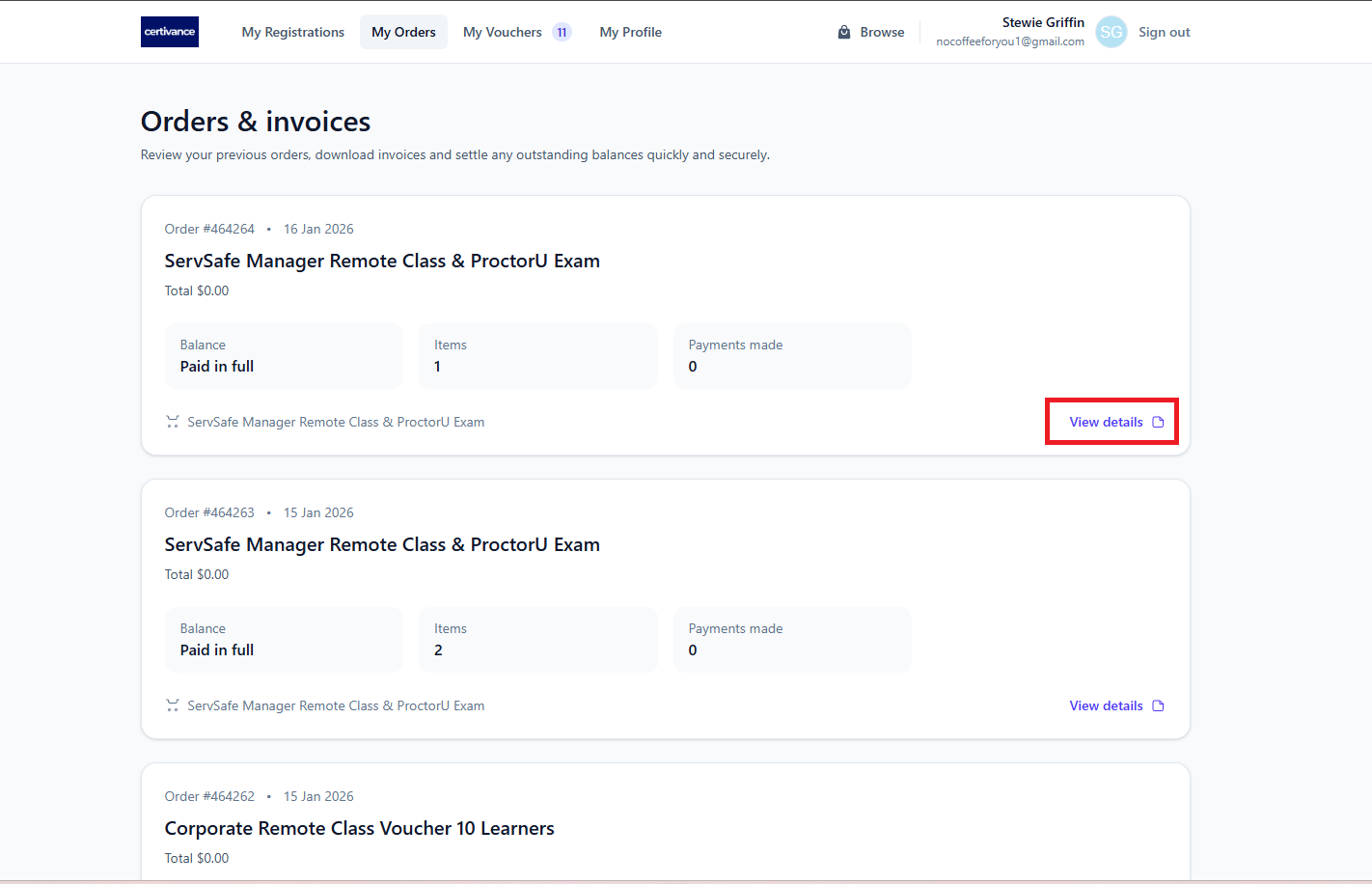
Click View Invoice to open the invoice details.
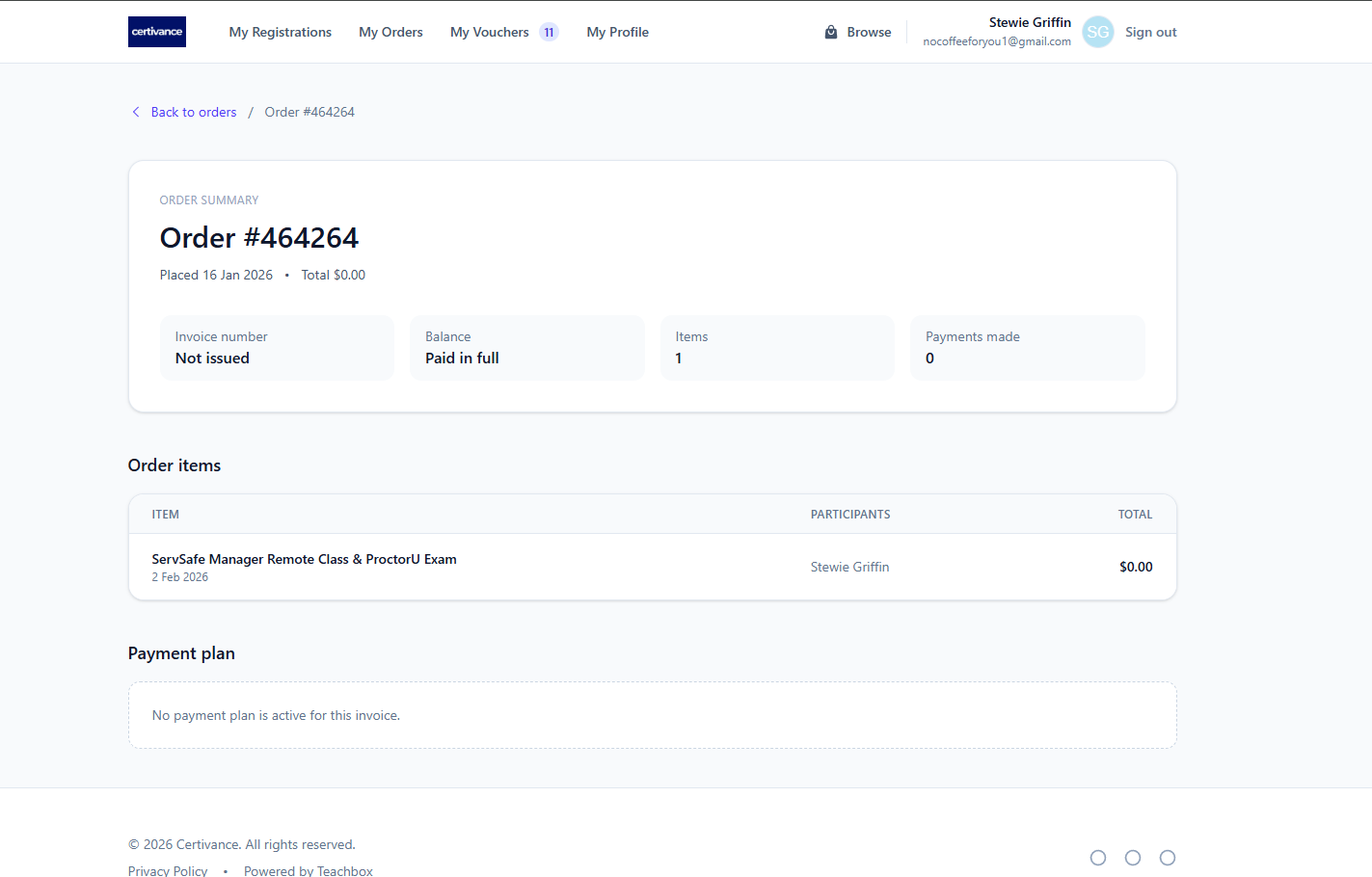
The invoice page includes:
Order number and date
Items included in the order
Invoice total and payment status
If an invoice has a balance due, a Pay Now button will appear on the My Orders page.
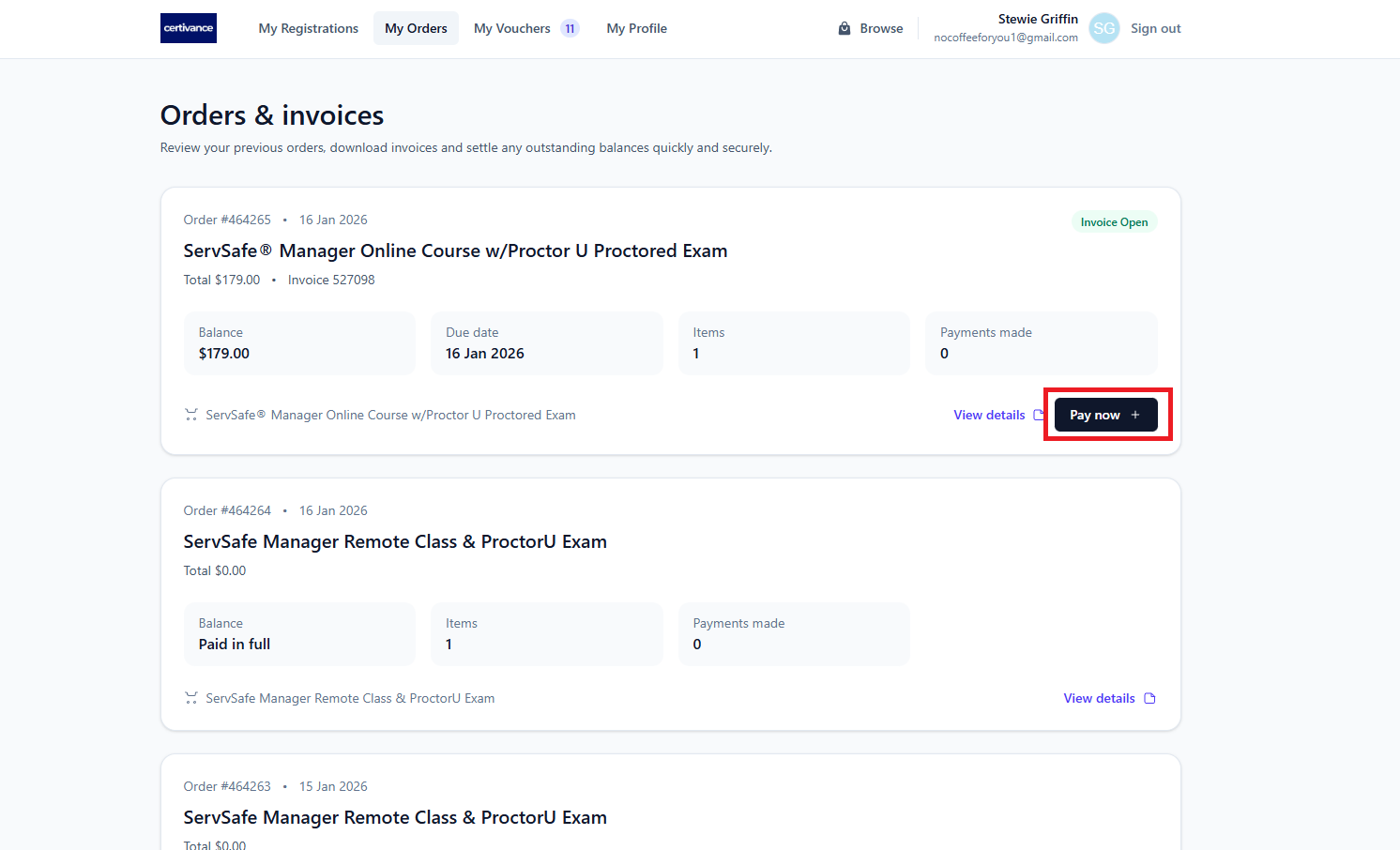
Select Pay Now to open the secure payment screen and complete payment.
(Screenshot: My Orders page with “Pay Now” button highlighted)